

Before You Automate, Choose the Right Workflow
A practical guide for SMEs that want to save time, reduce confusion, and introduce AI without losing human judgment.
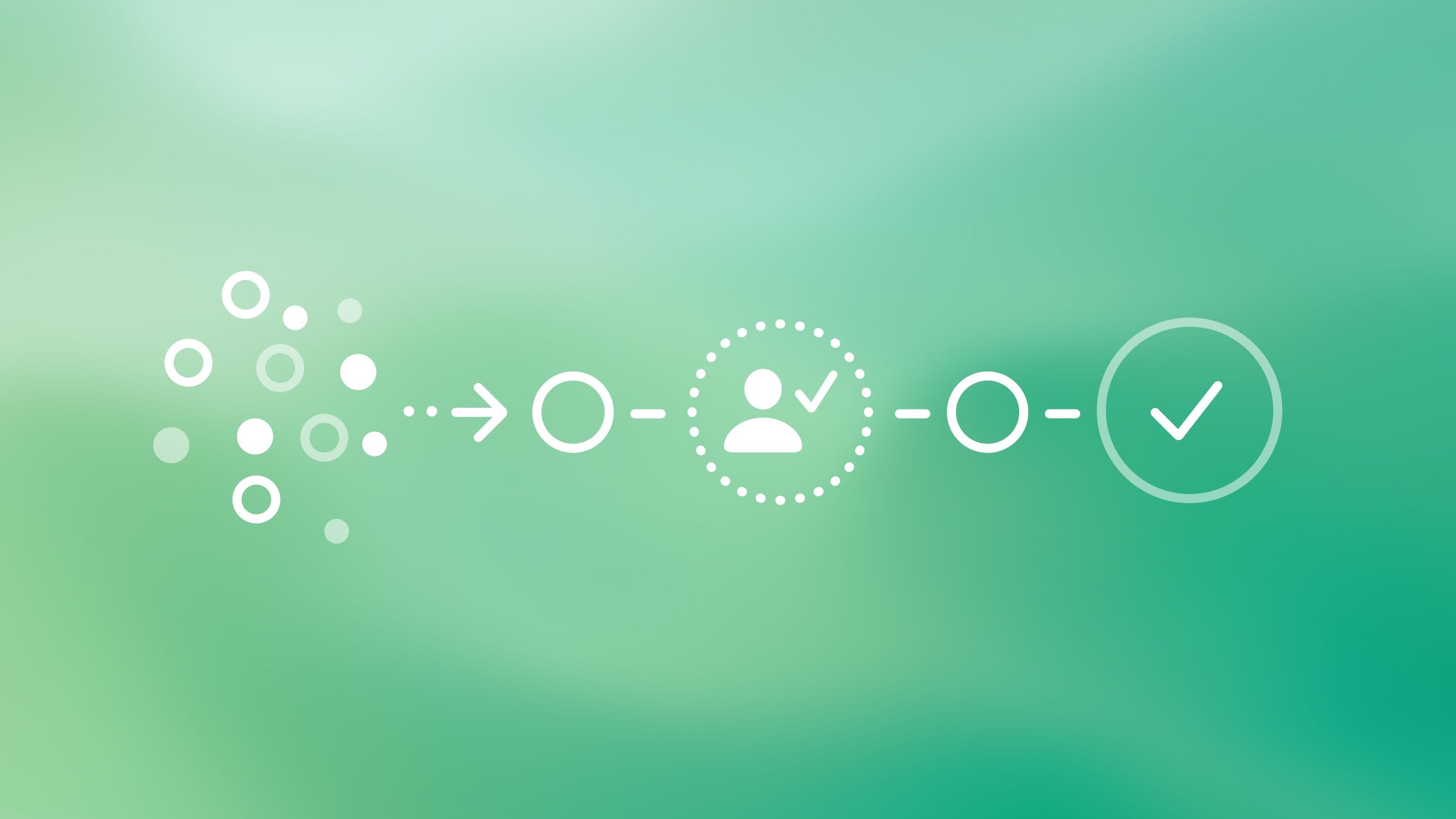
What SMEs should automate before chasing bigger AI ideas
Many companies begin their AI work with a question that sounds practical: “What can we automate?”
It is a fair question, but it often starts the conversation too wide. AI can now touch almost every part of a business: content, sales, customer support, reporting, onboarding, research, documentation, internal knowledge, and daily operations. The list grows quickly, and that is exactly the problem. When everything looks possible, it becomes harder to decide what is actually worth doing first.
A stronger starting point is more disciplined: “What should we automate first?”
The difference matters. The best first AI workflow is rarely the most impressive one. It is usually the one your team already understands. The task has a pattern. The inputs are clear. The output can be checked. The risk is low enough to test without disrupting the business.
In most cases, the right first AI workflow is almost boring. That is not a weakness. It is why it works.
Start with work your team already repeats
AI is most useful when the task has structure. That does not mean the work is simple or unimportant. It means the process can be described clearly enough for a system to help with part of it.
For a growing company, the best first candidates are often the tasks that quietly take time every week: summarising incoming requests, drafting first replies, turning meeting notes into structured documents, searching internal documentation, preparing project summaries, classifying support questions, creating first drafts from a clear brief, updating routine reports, or extracting information from PDFs, forms, and emails.
These examples are not glamorous, but they have one major advantage: they can be measured.
You can compare the process before and after AI was introduced. Did it save time? Did it reduce manual copying? Did it make the output more consistent? Did people find information faster? Did it remove friction from a task that already had to happen anyway?
That is where useful automation begins. Not with a dramatic promise, but with a workflow the company can understand, test, and improve.
Do not automate a process nobody owns
If a workflow is messy, AI will not make it clean. It may simply move the mess faster.
Before introducing automation, the company needs to understand how the task works today. What triggers it? Who owns it? What information is needed? What decisions happen along the way? What should the final output look like? Where does it go? Who checks it before it becomes final?
If those questions are difficult to answer, the workflow is not ready for automation. It needs structure first.
This is where many AI projects lose momentum. A company buys a tool before it has defined the work. The tool produces outputs that nobody fully trusts, inside a process nobody fully owns, based on source material nobody has properly reviewed. The result is not transformation. It is another layer of confusion.
AI needs boundaries. It needs a role. It needs approved source material. It needs a clear approval point. Without that, the company is not building a workflow. It is testing software and hoping the process appears later.
Keep people where judgment matters
AI workflow automation should not mean removing people from every step. For most SMEs, that is neither realistic nor desirable. The better goal is to remove unnecessary friction from the parts of work that do not need full human attention every time.
AI can draft, sort, summarise, compare, retrieve, classify, and prepare. It can reduce the blank page. It can bring information closer to the person who needs it. It can make routine work less dependent on memory, manual search, and repetitive copying between tools.
But judgment still matters.
Final approvals, sensitive customer replies, strategic decisions, brand voice, legal or financial judgment, high-risk data use, and client-facing promises should remain clearly human-led.
A good AI workflow does not hide those approval points. It makes them visible. The system prepares the work. A person decides what is accurate, appropriate, and ready to use.
That is not a limitation of automation. That is what responsible automation looks like.
A strong first project: the internal knowledge assistant
For many growing SMEs, the strongest first AI project is not a public chatbot or a complex agent connected to every system in the business. It is an internal knowledge assistant.
The reason is simple: scattered knowledge is expensive.
In many companies, answers are spread across old proposals, client emails, Notion pages, PDFs, Slack threads, Google Docs, project folders, and the memories of a few key people. New team members ask the same questions. Founders repeat the same explanations. Sales documents become inconsistent. Project knowledge disappears after delivery. People waste time searching for information that already exists.
An internal knowledge assistant can help the team search approved sources, summarise relevant documents, and find answers faster. It can support onboarding, sales, project management, support, and leadership by giving people one clearer place to begin.
But the AI layer is only the visible part. The real work is organising the company’s knowledge.
Which documents are approved? Which files are outdated? Who can access what? Which source should the assistant trust when two documents disagree? What should it cite? What should it never answer without human review?
These are not technical details. They are business decisions.
If the knowledge base is weak, the assistant will expose that weakness. If the knowledge base is structured, the assistant can make the company faster, more consistent, and less dependent on individual memory.
A small B2B service company, for example, might begin by connecting approved proposals, service descriptions, onboarding notes, and project handoff documents into a searchable internal assistant. The first version does not need to write strategy or replace the project manager. It simply helps the team answer recurring questions:
What is included in this service?
How do we explain our process?
Where is the latest handoff checklist?
What did we promise in similar projects before?
That kind of system may not look spectacular in a demo, but it solves a real business problem. It helps the team work from the same source of truth.
Another strong first project: support triage
Customer support automation can also be a good starting point, but it needs restraint. The safest first step is not a bot that tries to answer every customer question. It is triage.
A support triage assistant can classify incoming requests, suggest a draft reply, find the relevant help article, flag missing information, escalate edge cases, and track repeated issues. This improves speed without pretending every customer situation is simple enough for a fully automated answer.
It also creates useful business insight.
Over time, the company can see what customers ask most often, where the product or service is unclear, which pages need better explanations, which replies should become help content, and which issues should be fixed at the source instead of answered again and again.
Used well, a support assistant is not only a support tool. It becomes a clarity tool because it shows where the business is confusing people.
Choose the workflow before the tool
Many companies start with software. They see a demo, subscribe to a platform, and then look for a use case that makes the purchase feel justified.
That order usually leads to shallow automation: a few prompts, a few disconnected experiments, and no meaningful change in how work gets done.
The better order is slower at the beginning, but stronger over time.
Choose the workflow first. Define the problem. Map the current process. Decide what AI should prepare. Decide what humans should approve. Choose the right tool only after the workflow is clear. Then test the system with real examples and improve it based on what actually happens.
Tools will change. Workflow logic lasts longer.
That is where the value is.
What to do this week
Choose one task your team repeats every week.
Not the most exciting task. Not the one that would look best in a presentation. Choose the one that quietly costs time, creates confusion, slows decisions, or depends too much on one person’s memory.
Map it on one page:
What triggers the task?
What information is needed?
Who owns it?
What steps happen now?
What should the output look like?
Who approves it?
Where does it go next?
How will you know if it improved?
Then ask one practical question: can AI prepare, summarise, classify, retrieve, or draft one safe part of this workflow?
Do not automate the whole task at once. Automate one useful part. Test it with real work. Compare the result. Decide whether it saves time, improves quality, reduces confusion, or helps the team move with more confidence.
That is the right place to begin.
Not with the biggest AI idea.
With the clearest workflow.
Services
Team

Patriks Gulbis

Sharpen your clarity thinking with
real examplesSharpen your clarity thinking with
real examples
3 industry examples from design, UX, and psychology twice a month – see it, experience it, understand it.